Enhancing Networks with Professional Cabling: Network Cabling Benefits Guide

When setting up or upgrading your internet connection, the quality of your network cabling plays a crucial role. Whether you are a homeowner, a business owner, or an RV user relying on Starlink satellite internet, having a reliable and efficient cabling system can make all the difference. I want to share insights on how professional cabling enhances your network’s performance, reliability, and future-proofing.
Why Network Cabling Matters: Network Cabling Benefits Guide
Network cabling is the backbone of any internet setup. It connects your devices, routers, switches, and modems, allowing data to flow smoothly. Poor cabling can cause slow speeds, dropped connections, and frustrating downtime. Here’s why investing in professional cabling is essential:
Improved Speed and Performance: High-quality cables reduce interference and signal loss. This means faster data transfer and better streaming, gaming, or work-from-home experiences.
Greater Reliability: Professionally installed cables are less prone to damage and disconnections. You avoid the hassle of frequent repairs or troubleshooting.
Scalability: A well-planned cabling system supports future upgrades. You can add more devices or increase bandwidth without rewiring everything.
Safety and Compliance: Professionals ensure cables meet safety standards and building codes, reducing fire risks and electrical hazards.
For example, if you are setting up Starlink internet in your home or RV, proper cabling ensures the satellite signal reaches your devices without interruption. This is especially important in areas with challenging weather or long cable runs.
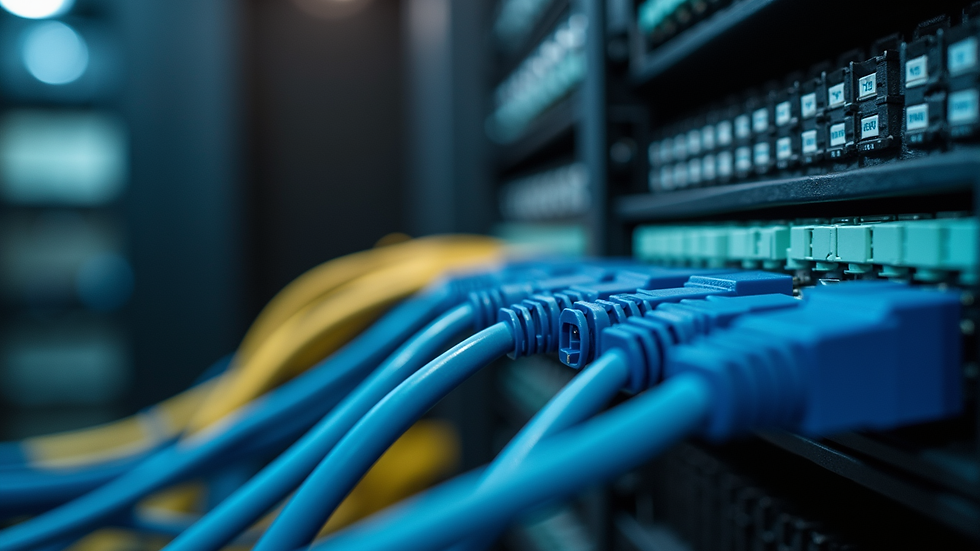
Choosing the Right Cable Type for Your Network
Not all cables are created equal. Selecting the right type depends on your needs and environment. Here are the most common options:
Cat5e (Category 5 enhanced)
Supports speeds up to 1 Gbps
Suitable for basic home or small office networks
Affordable and widely available
Cat6 (Category 6)
Supports speeds up to 10 Gbps over short distances
Better shielding reduces interference
Ideal for businesses or high-demand users
Cat6a (Augmented Category 6)
Supports 10 Gbps at longer distances
Enhanced shielding for noisy environments
Great for future-proofing your network
Fiber Optic Cables
Transmit data as light signals
Extremely fast and immune to electromagnetic interference
Best for long-distance or high-capacity networks
When I installed a network for a small business, I chose Cat6a cables to ensure they could handle growing data needs without rewiring. For RV users, fiber optic cables might be less practical, but high-quality Cat6 cables provide a good balance of speed and flexibility.
How Professional Installation Makes a Difference
You might wonder why you should hire a professional instead of doing it yourself. Here are some reasons:
Proper Planning and Layout: Professionals assess your space and design a cabling plan that minimizes cable length and avoids interference sources.
Correct Termination and Testing: They use specialized tools to terminate cables correctly and test each connection for performance.
Neat and Safe Installation: Cables are bundled, labeled, and secured to prevent damage and make future maintenance easier.
Warranty and Support: Many professionals offer warranties on their work, giving you peace of mind.
For example, when setting up Starlink internet in an RV, a professional ensures the cable runs do not interfere with vehicle systems and are protected from wear and tear.

Tips for Maintaining Your Network Cabling
Once your network cabling is installed, maintaining it is key to long-term performance. Here are some practical tips:
Avoid Sharp Bends and Kinks: Cables should have gentle curves to prevent damage to internal wires.
Keep Cables Away from Electrical Lines: This reduces electromagnetic interference that can slow down your network.
Label Your Cables: Clear labels help identify connections quickly during troubleshooting or upgrades.
Inspect Regularly: Check for signs of wear, loose connections, or damage, especially in high-traffic areas.
Use Cable Management Tools: Velcro straps, cable trays, and conduits keep cables organized and protected.
By following these steps, you can extend the life of your cabling and avoid unexpected network issues.
Future-Proofing Your Network with Professional Cabling
Technology evolves rapidly, and your network should be ready to keep up. Here’s how professional cabling helps future-proof your setup:
Install Higher-Grade Cables: Even if your current devices don’t need Cat6a or fiber optics, installing them now saves costly upgrades later.
Plan for Expansion: Professionals can install extra cable runs or conduits for future devices or locations.
Integrate with Smart Home or Business Systems: Proper cabling supports automation, security cameras, and other connected devices.
Consider Environmental Factors: Weatherproof cables and protective conduits are essential for outdoor or RV installations.
If you want reliable, high-speed Starlink internet, working with experts in professional networking cabling usa ensures your system is built to last and perform.
Taking the Next Step for Your Network
Upgrading or installing a network can seem overwhelming, but with the right approach, it becomes manageable. Start by assessing your current setup and identifying pain points like slow speeds or unreliable connections. Then, consult with a professional cabling service to design a solution tailored to your needs.
Remember, investing in quality cabling is investing in your network’s future. Whether you are at home, running a business, or traveling in an RV, professional cabling ensures you get the most out of your internet connection.
By focusing on proper cable selection, expert installation, and ongoing maintenance, you can enjoy fast, stable, and secure connectivity for years to come. Don’t settle for less when it comes to your network infrastructure.
Enhancing your network with professional cabling is a smart move that pays off in performance and peace of mind. Take action today and experience the difference a well-installed network can make.


Comments